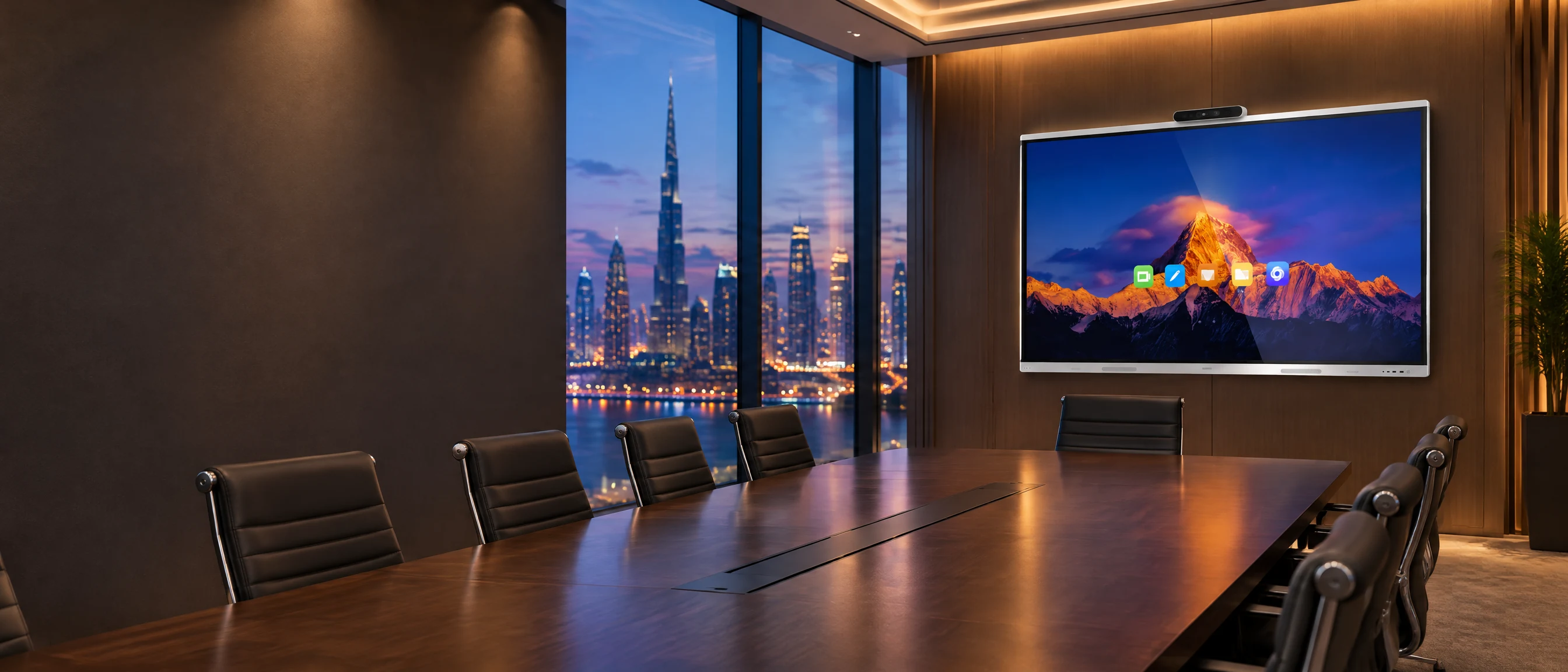

A meeting room in one touch screen
Camera, microphones, speakers and whiteboard built in, with wireless sharing from a phone or laptop.
IdeaHub S3 at a glance
Huawei’s flagship IdeaHub, launched in August 2025
- Display
- 65, 75 or 86 inch, 4K
- Audio
- 24-microphone array, 15 m pickup, 70 W speakers
- Camera
- 5x zoom with speaker tracking
- Meetings
- Up to nine panes per meeting
- Platform
- HarmonyOS, or Windows with an OPS module
From Huawei’s published product information. We confirm the model and features for your room.
Everything a meeting room needs, in one screen
IdeaHub puts the display, camera, microphones, speakers and whiteboard in one touch device. People share wirelessly, join cloud meetings or run a meeting from their own laptop.
Swipe sideways to see the full diagram
Everything in one device
Display, camera, microphone array, speakers and digital whiteboard in a single screen, with no cable clutter.
Wireless sharing
Share content from a phone or laptop without joining the company network.
Works with your meeting platform
Join cloud meetings from the room, and run a meeting from your own laptop or phone using the display’s camera and microphones.
Why meeting rooms disappoint
A room full of separate screens, cameras, speakers and cables is hard to use and harder to support. People waste the first ten minutes of every meeting getting it to work.
- Rooms where only one person knows how to start a video call
- Separate screens, cameras and speakers that need a technician to connect
- Presentations delayed while someone finds the right cable or adapter
- Remote participants who can barely see or hear the people in the room
- No way to monitor or manage the equipment across many rooms
What IdeaHub delivers
All-in-one touch display
A large touch screen with a built-in camera, microphone array and speakers, available in several models and sizes for different room types.
Smart camera and audio
AI features such as speaker tracking, automatic framing and noise reduction help remote participants see and hear clearly.
Digital whiteboard
Write and sketch with low-latency pen input, and save the result, so brainstorming is not lost when the meeting ends.
Wireless projection
Cast from phones and laptops using the IdeaShare app, with wired HDMI and Type-C connections as a back-up.
Bring your own meeting
Run a meeting on a laptop or phone and use the display’s camera and microphones, so people can use the tools they already know.
Central management
Manage devices remotely in batches, and diagnose problems from a distance, which helps when you have many rooms.
How WanyCo delivers it
Assess
Review the rooms, the number of participants, the meeting platforms and the network.
Design
Choose the model, mounting and any software licences, and plan cabling and power.
Deploy
Install and configure the displays, test with your platform, and train your teams.
Manage and renew
Remote monitoring, updates, support and on-time renewals under an SLA.
Who it is for
Frequently asked questions
What is the IdeaHub S3?
IdeaHub S3 is Huawei’s newest flagship IdeaHub, launched in August 2025. According to Huawei’s published product information it comes in 65, 75 and 86 inch sizes with a 4K display, a 24-microphone array with 15 metre pickup, a camera with 5x zoom and speaker tracking, and a 70 W speaker system, and it runs HarmonyOS or Windows with an OPS module. Huawei also describes AI features such as noise reduction, real-time interpretation and meeting summaries. We confirm exactly which features apply to your room and meeting platform.
Which IdeaHub model do we need?
Huawei offers several IdeaHub models for different room sizes and uses, from executive offices to larger meeting rooms and education. We choose the model after a short review of the room size, number of participants and how the room is used.
Does IdeaHub work with Microsoft Teams and Zoom?
Support is stated per model and per mode. Some models can run Teams and Zoom meetings directly in cloud-meeting mode, and bring-your-own-meeting lets staff run a meeting from their own laptop using the display’s camera and microphones. We confirm exactly what is supported for your platform and the model you choose.
Do visitors need to join our network to share content?
No. IdeaShare uses a direct wireless connection between the device and the display, so guests can share without joining the company network.
Can we manage many rooms centrally?
Yes. Huawei provides management tools for remote batch management and diagnostics of IdeaHub devices.
Is the hardware enough, or is there software to buy?
The hardware includes the core features. Some capabilities, such as higher-quality on-premises meetings, need a software licence, and meeting-service subscriptions are separate. We list what is included and what is optional in the quote.
Do you install and support it?
Yes. We handle supply, wall or stand mounting, network setup, configuration and training, and our SLA plans cover support after go-live.


Talk to a security specialist
Tell us what you need and we will reply within one working day.
- Call+971 55 587 1428
- WhatsAppChat with our team
- Emailsales@wanyco.com
- OfficeBusiness Center, SPC Free Zone, Sharjah, UAE
- HoursMonday to Friday, 9:00 to 18:00